User Guide for Street Food Wala
Welcome! This guide will help you install and navigate the app.
Installation
For iOS
- Open the App Store on your device.
- Search for StreetFoodWala.
- Tap the Get button to download the app.
- Once installed, open the app.
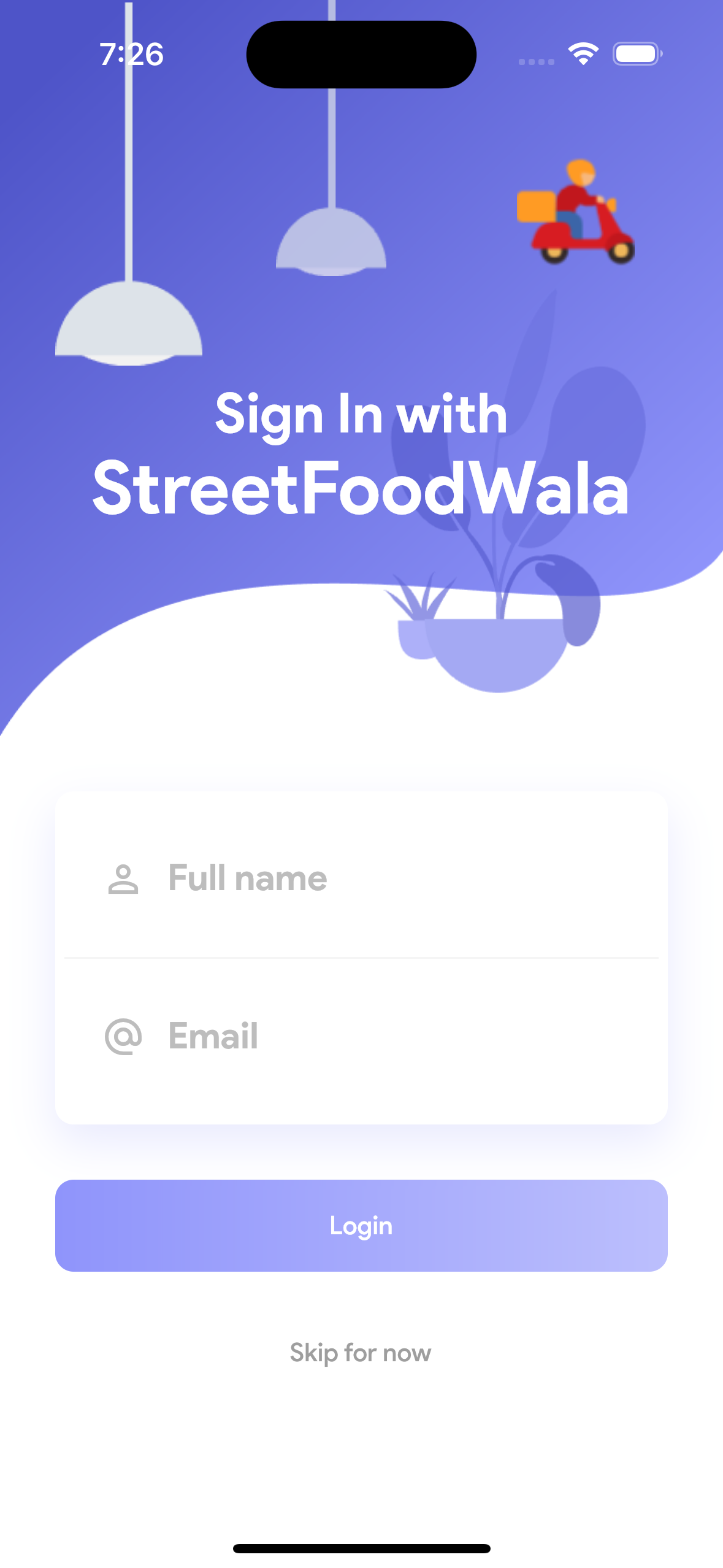
First-Time Setup
Steps to Sign Up with OTP Verification
- Open the app
-
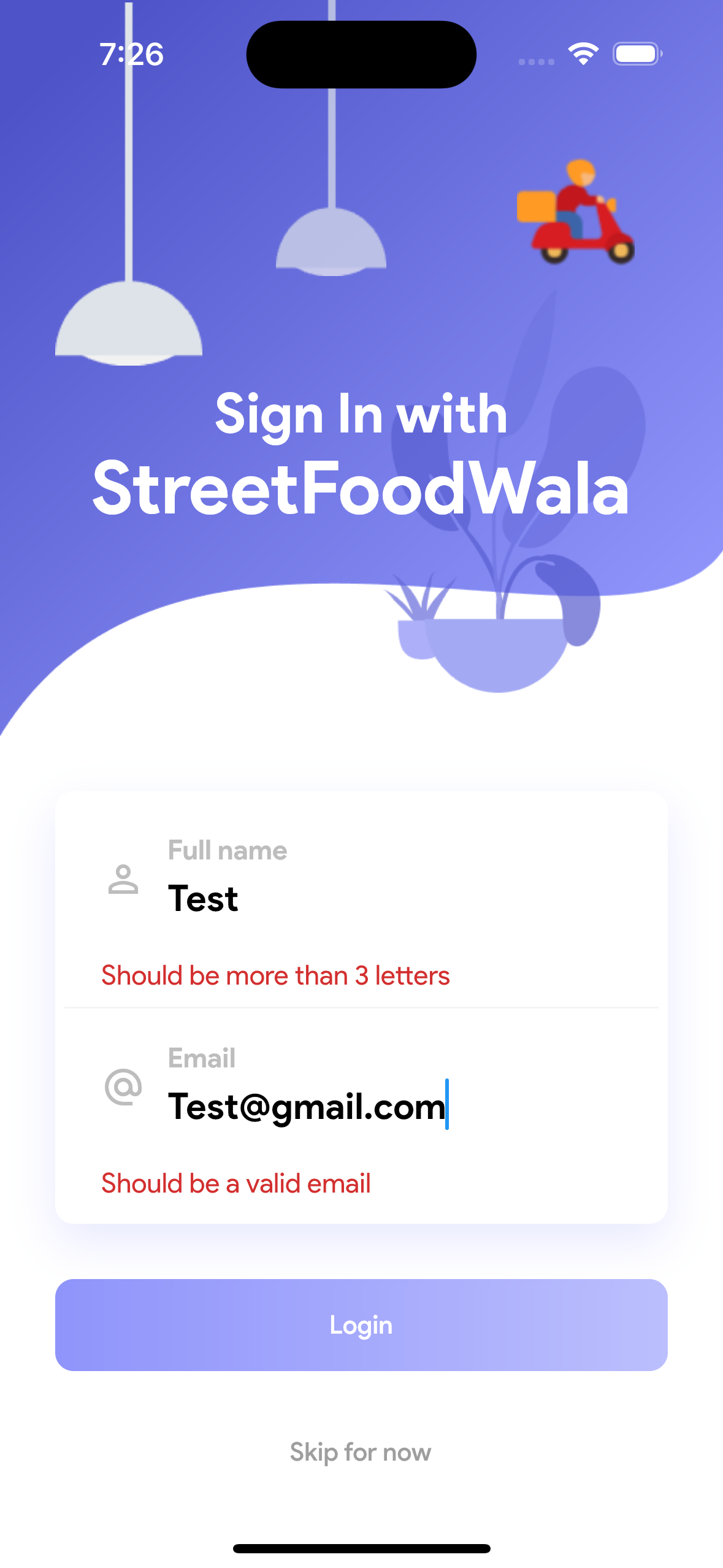
Enter your details:
- First Name: Enter your Full name in the designated field.
- Email ID: Provide a valid email address for account verification.
- Click on "Login" to proceed.
-
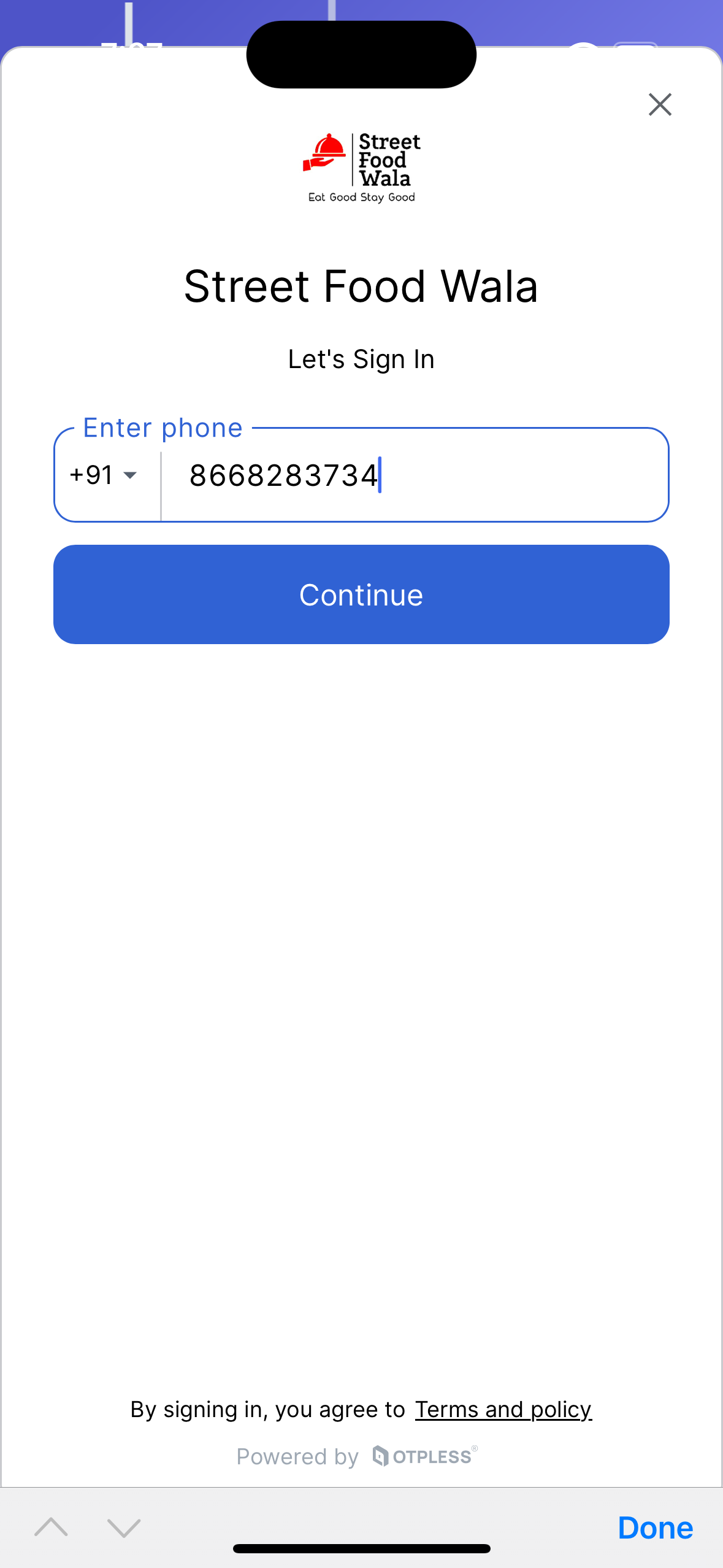
Enter your Mobile Number:
- Provide your mobile number where you would like to receive the OTP (One-Time Password).
-
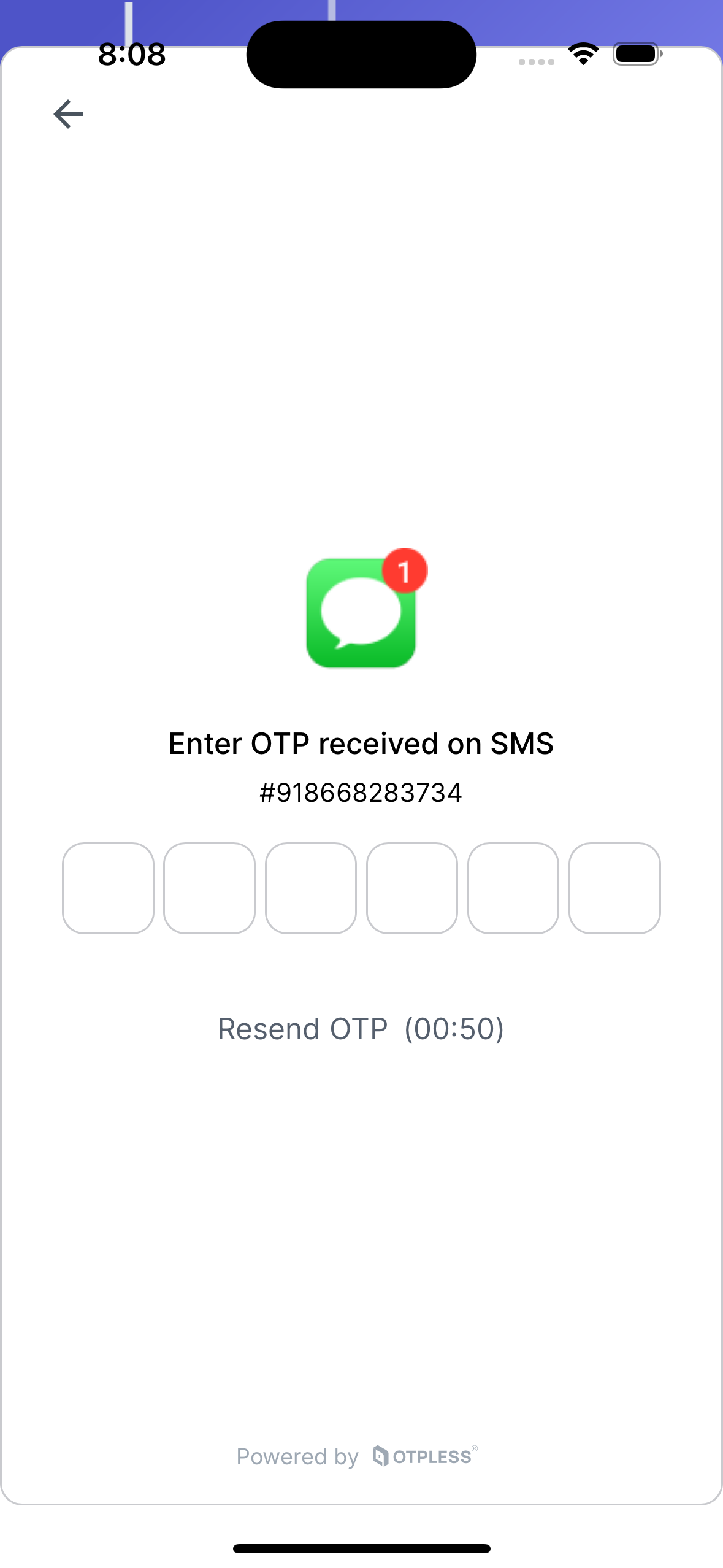
Receive the OTP:
- Check your mobile phone for an OTP sent via SMS.
-
Enter the OTP:
- Input the received OTP in the designated field within the app to verify your mobile number.
-
OTP Verification
- Once the OTP is verified, you'r account will be created to place a new order.
Installation Screenshots
Using the App
Instructions for Home Screen
-
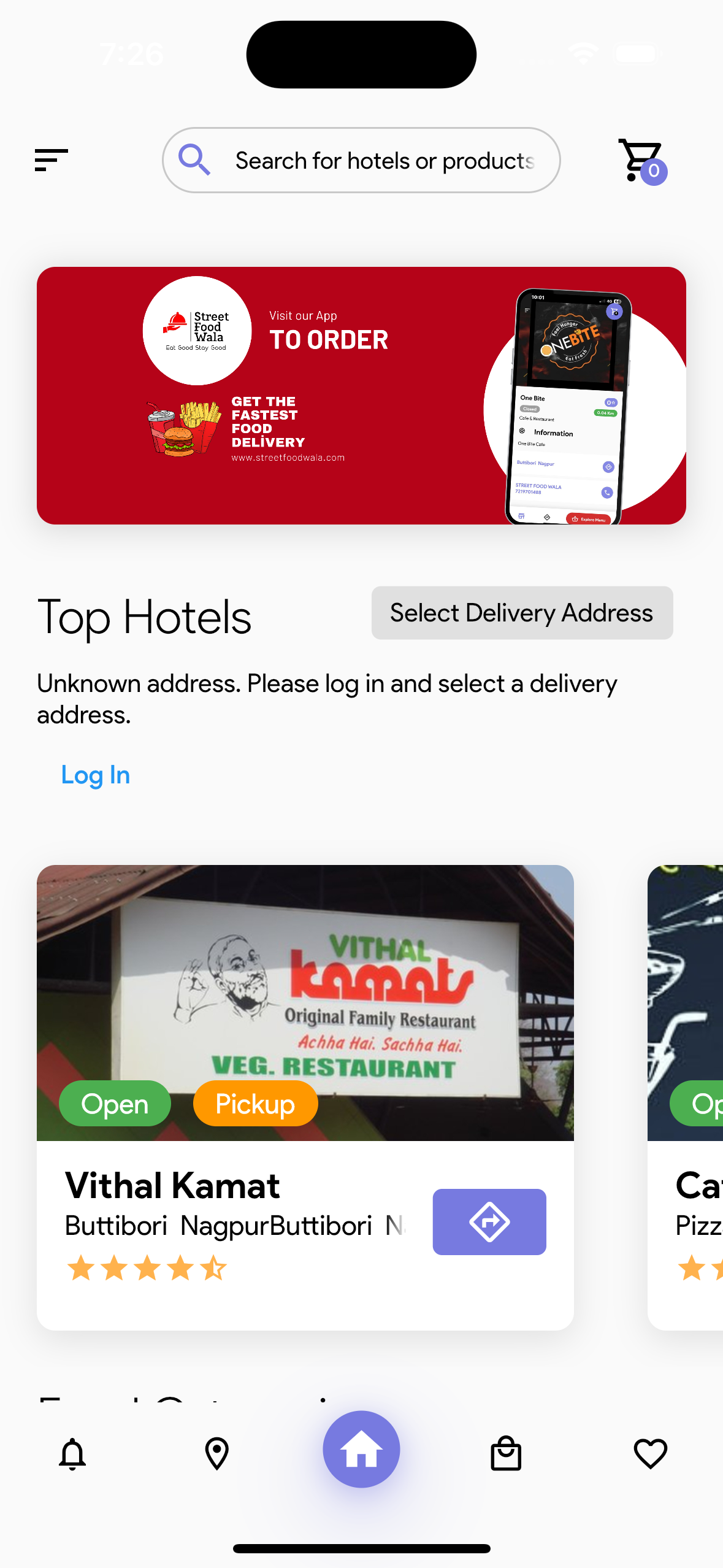
View Nearby Restaurants:
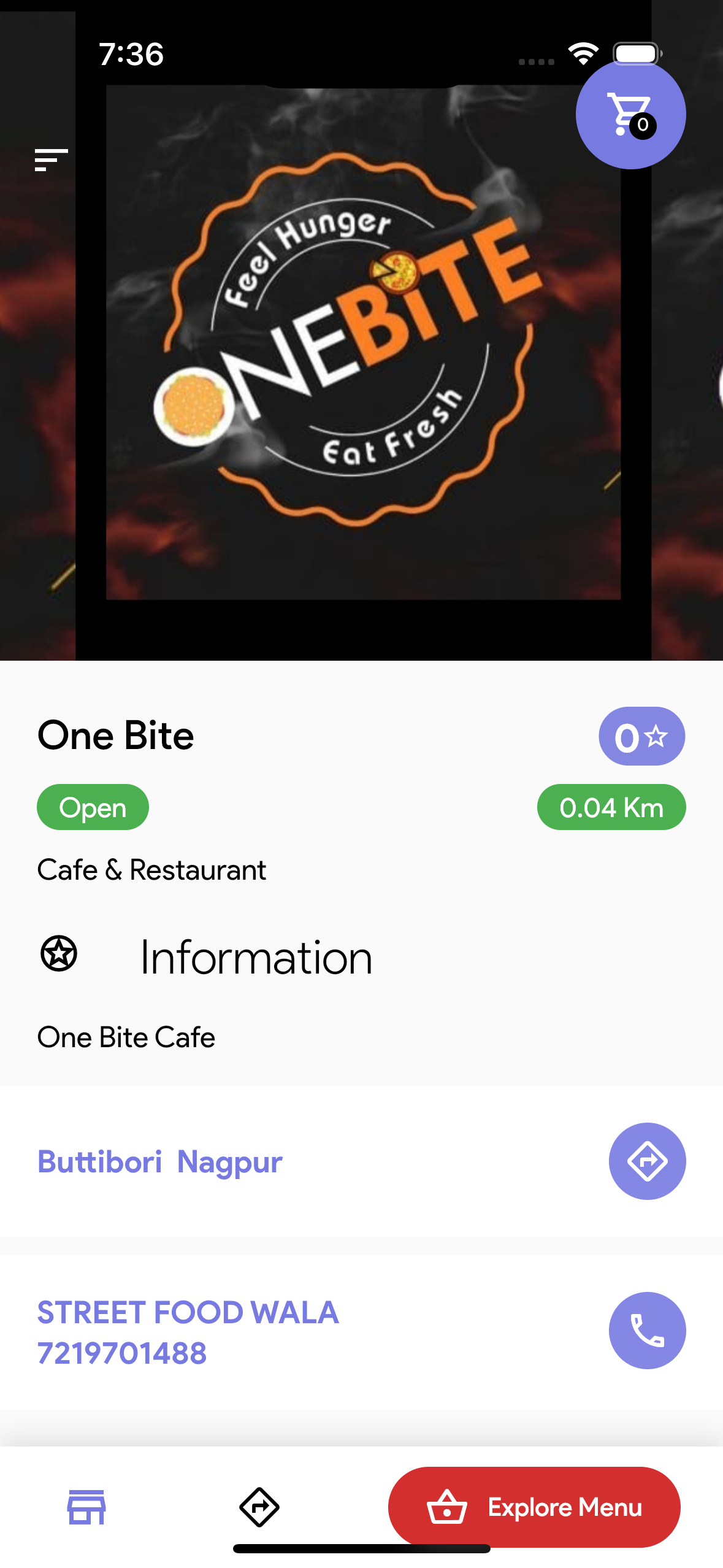
On the home screen, you will see a list of nearby restaurants.
-
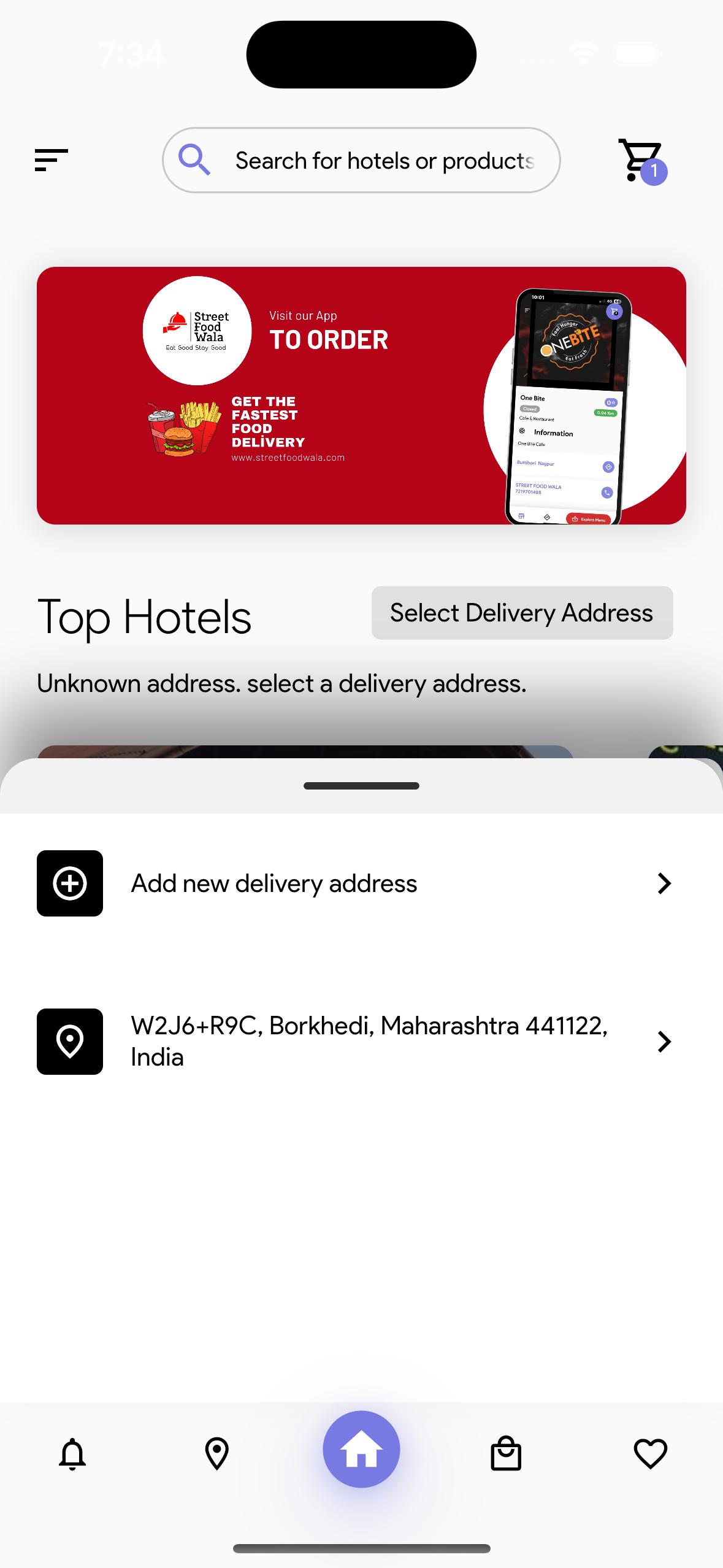
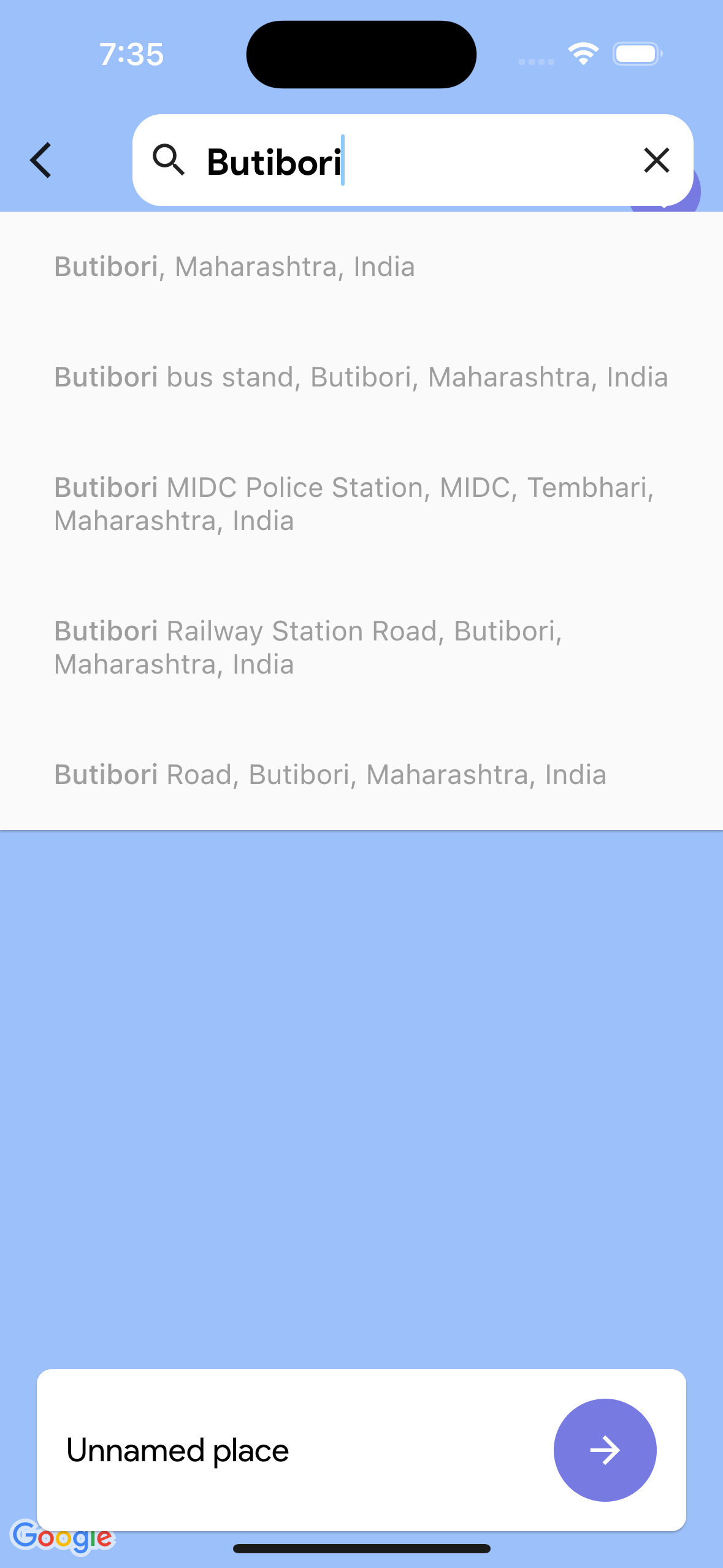
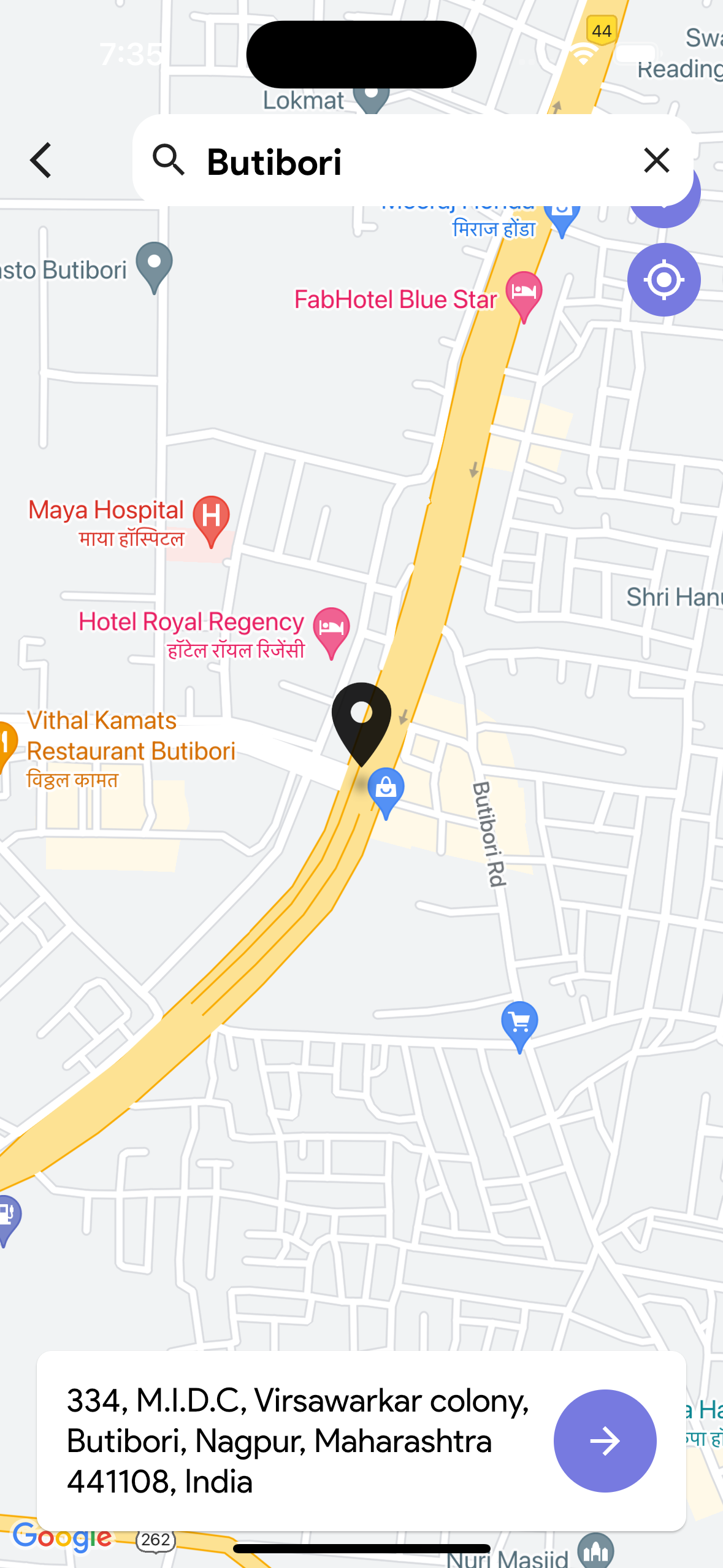
Select Your Delivery Address:
Before you can see specific restaurants, make sure to select your delivery address. This will ensure that the restaurants displayed are relevant to your location.
-
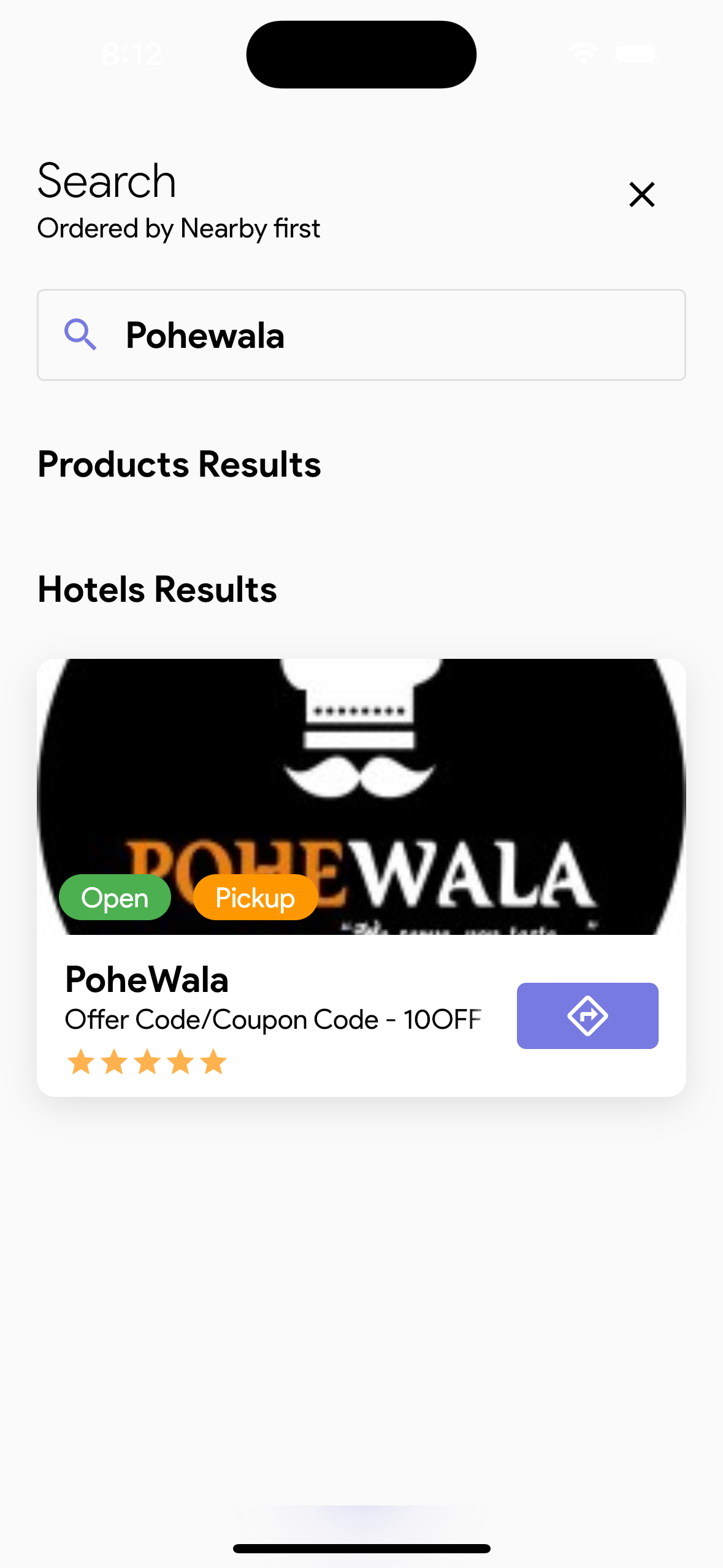
Use the Search Bar:
Utilize the search bar at the top of the screen to find specific cuisines or restaurants.
Selecting Food Items
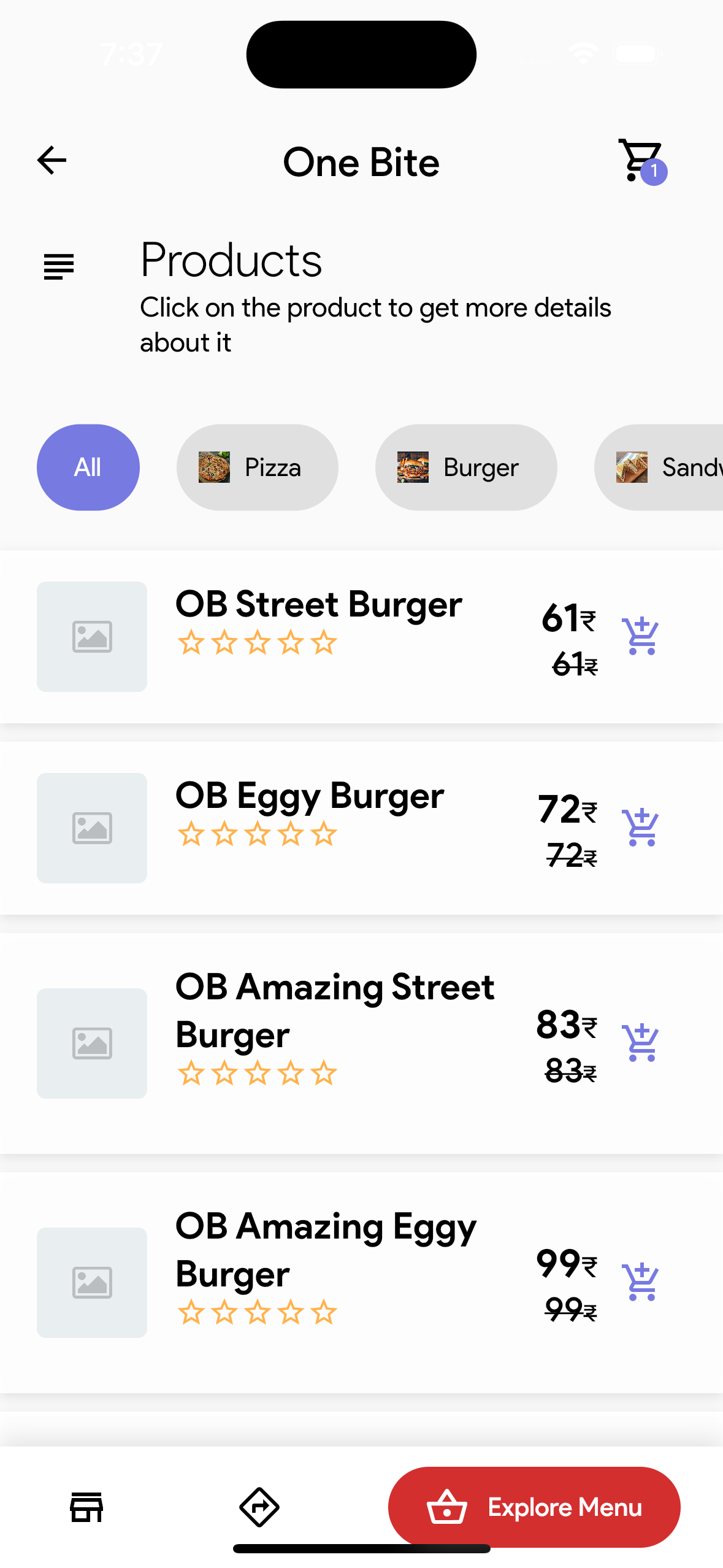
- Once in a restaurant's menu, scroll through the items available.
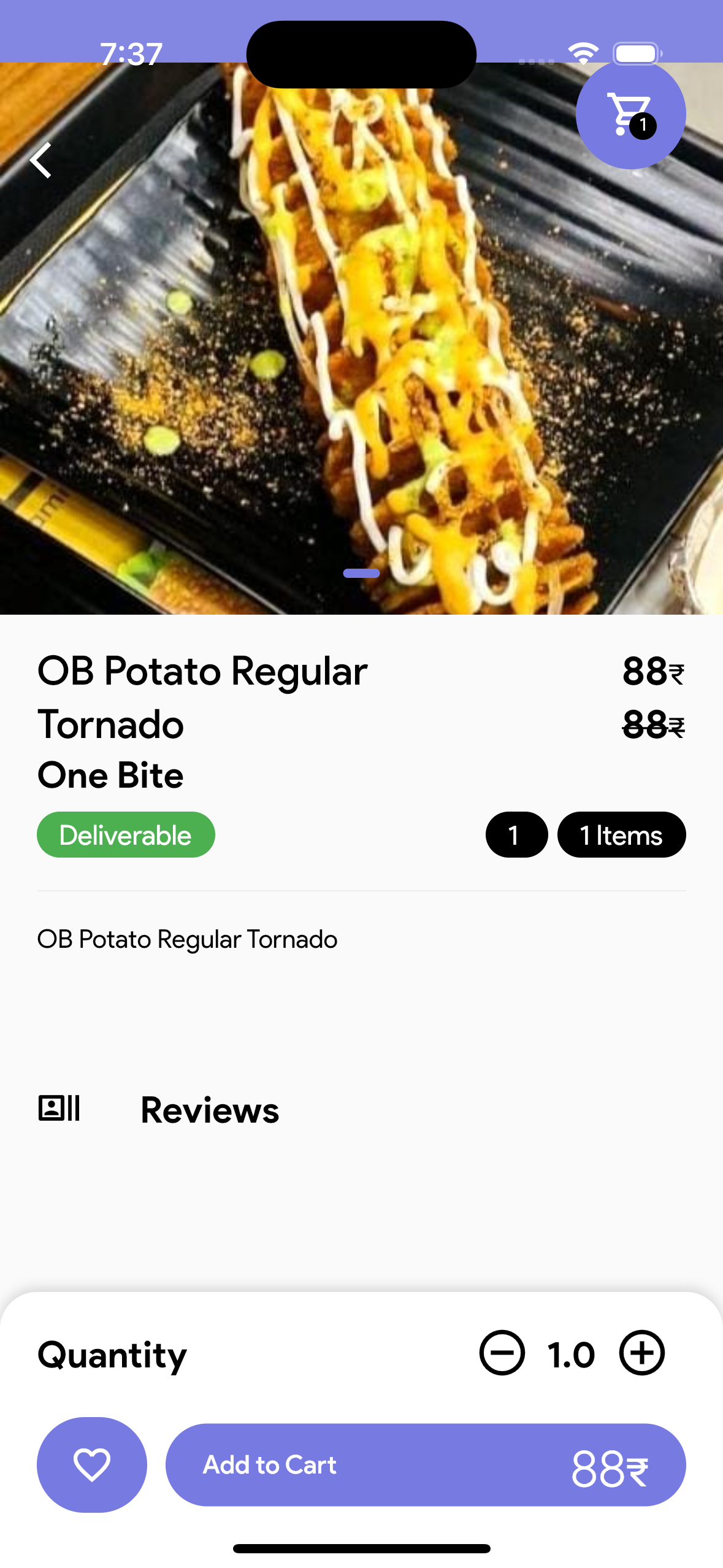
- Tap on a food item to view details, including description and price.
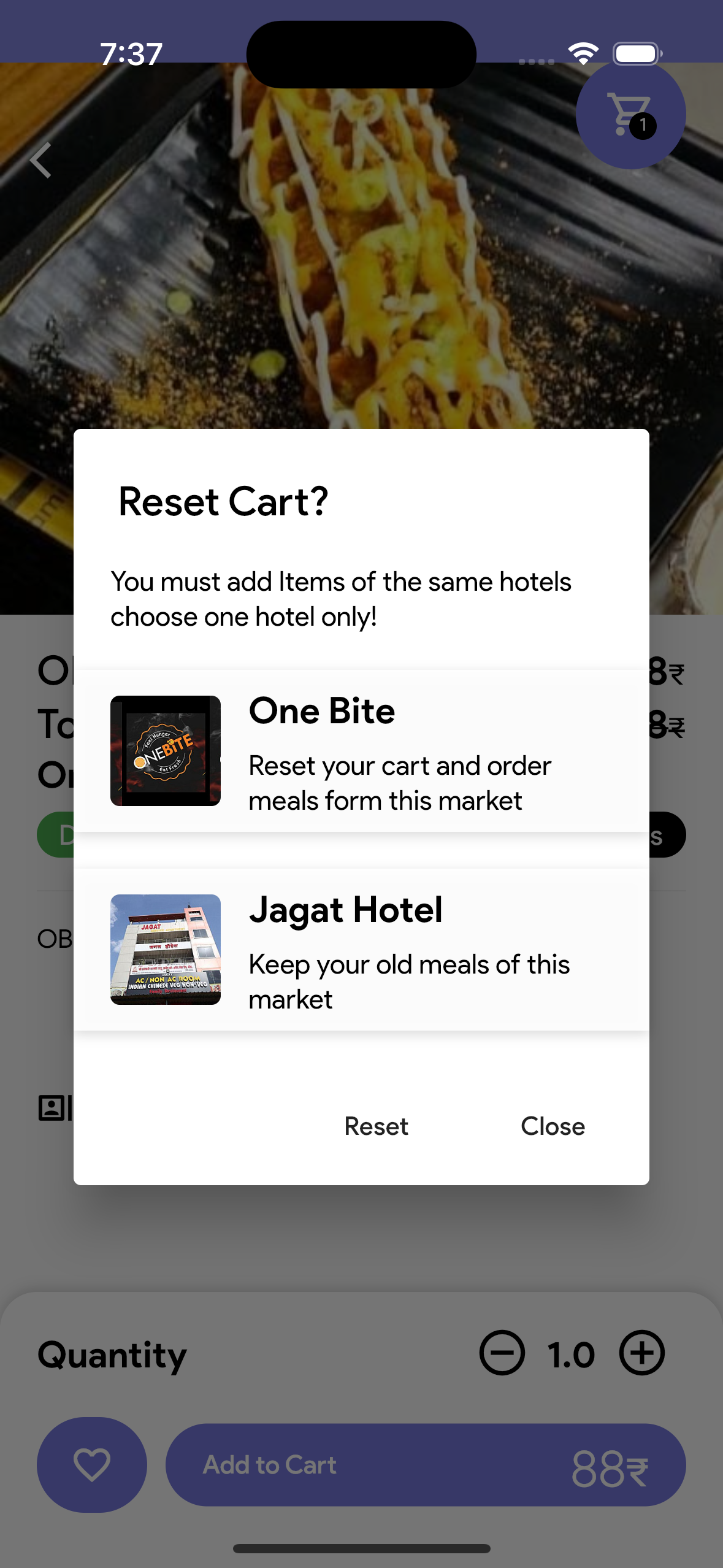
- Select the quantity and tap Add to Cart.
Placing an Order
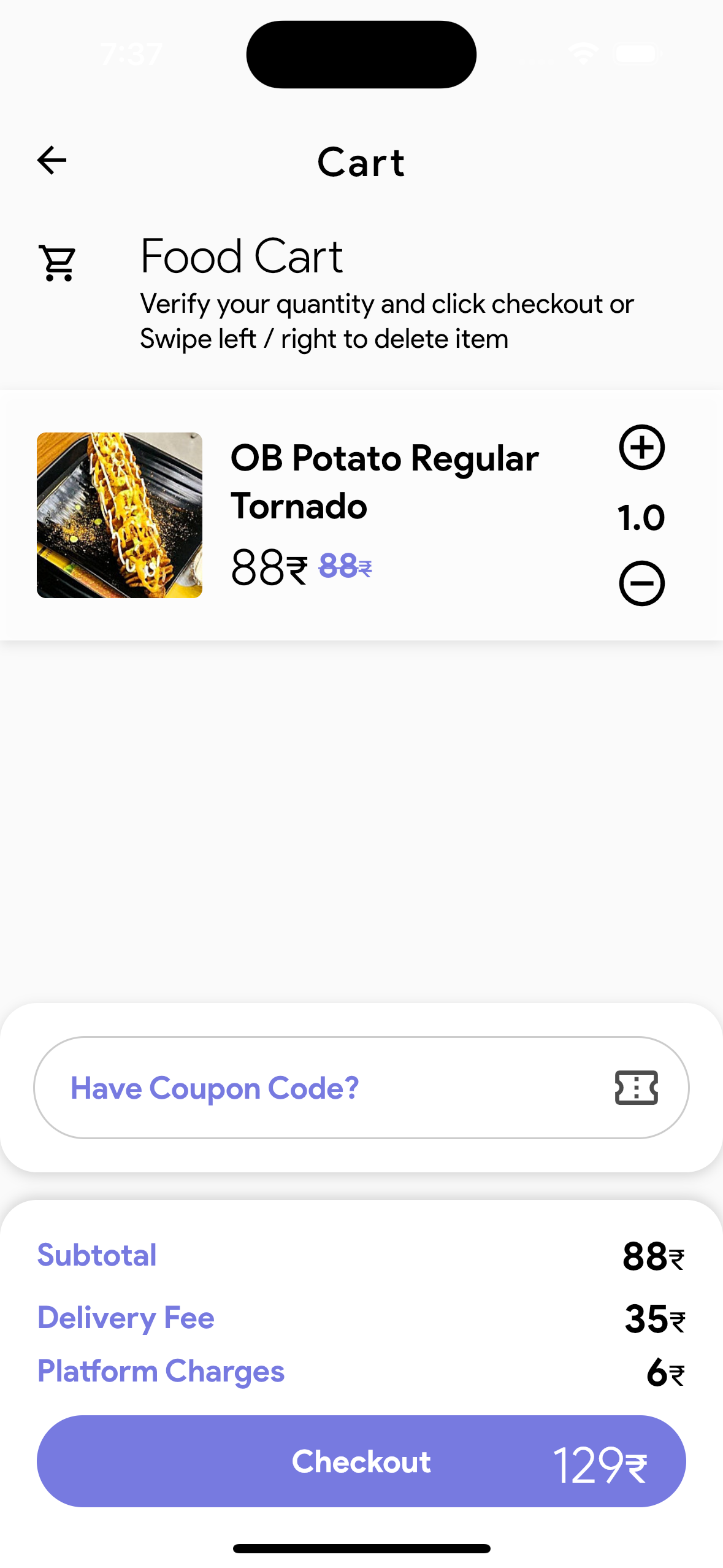
- After adding items to your cart, click on the Cart icon.
- Review your order and tap on Proceed to Checkout.
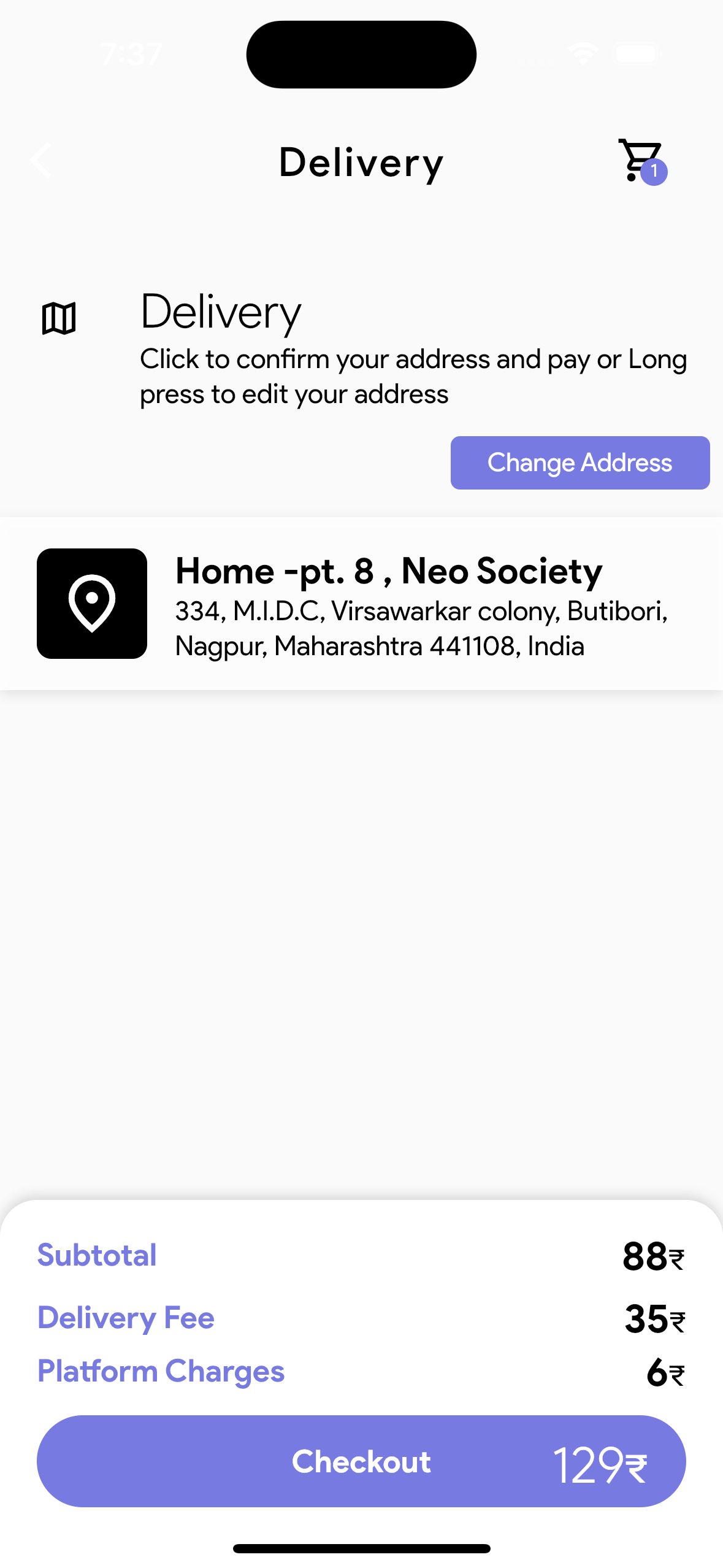
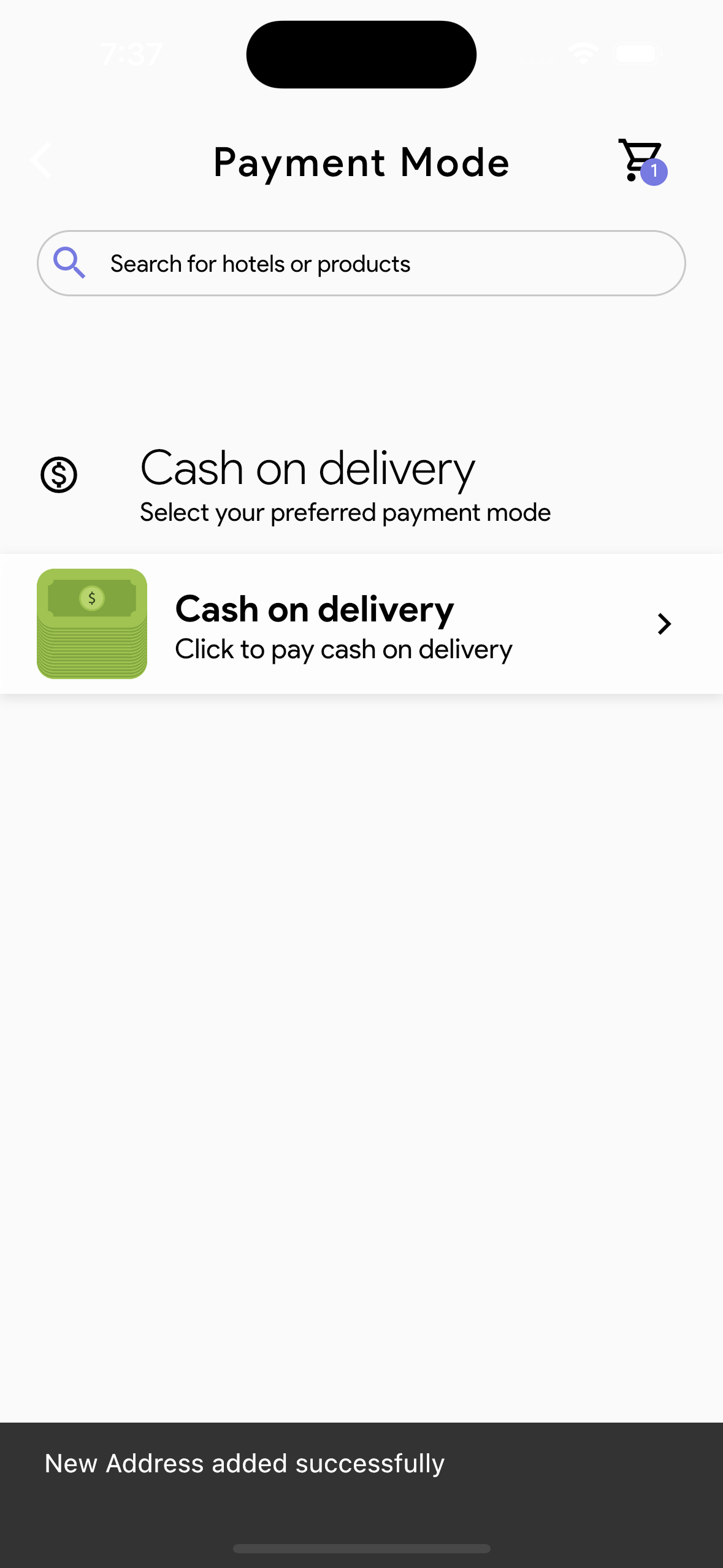
- Enter your delivery address and choose a payment method.
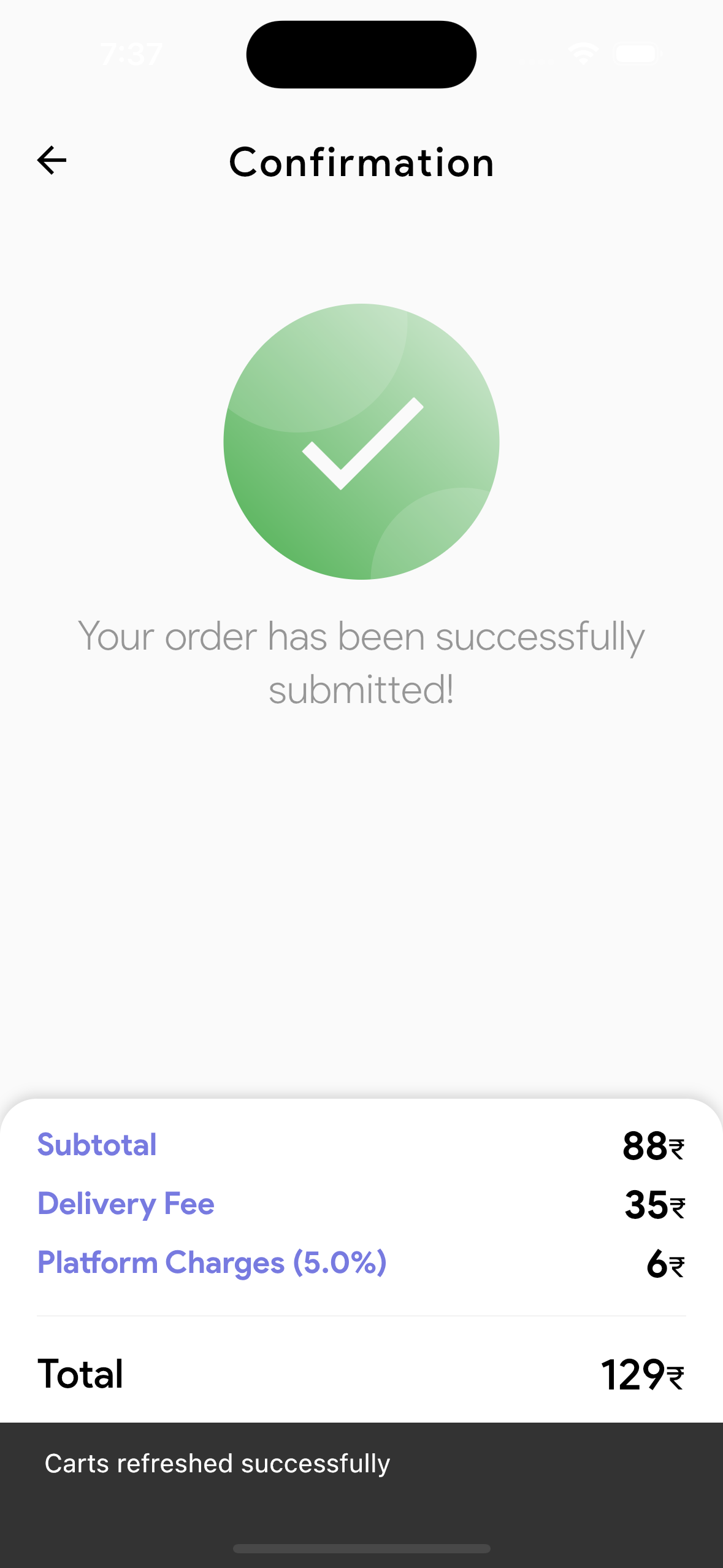
- Tap Place Order to confirm.
Support
If you encounter any issues, visit the Help Center in the app.
You can submit a support request or provide feedback about your experience.